Reyee Router Setup in Malaysia: Step-by-Step Guide for Fast WiFi
January 29, 2026
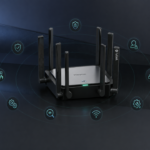
How to Secure Your Reyee Router and Reyee WiFi Network
February 3, 2026If you’ve ever stood in the “WiFi dead zone” of your house holding your phone up like it’s trying to find a signal from space, you’re not alone. The real question most homes face isn’t “Which internet plan is best?” It’s “Should I get a Reyee router or go for mesh Reyee WiFi?”

Both can give you fast, stable internet. The best choice depends on your home layout, the number of devices you use, and where you actually need strong coverage.
What A Reyee Router Does Best
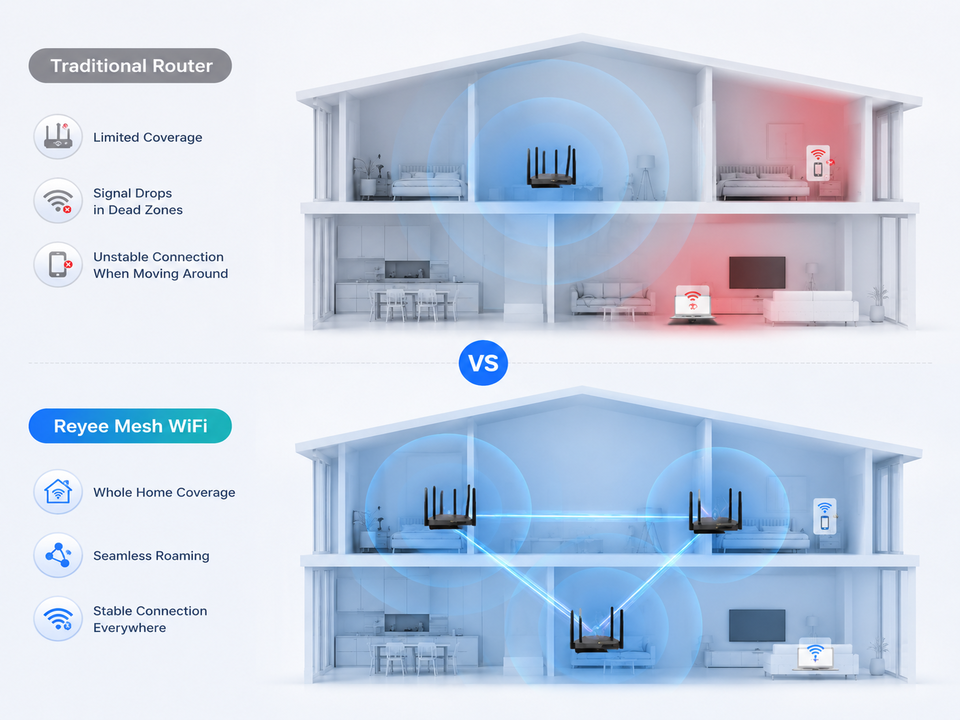
A standard Reyee router is a single central unit that broadcasts WiFi to your home. If your space is small to medium (think apartment, condo, or single-storey terrace), a properly placed router can be more than enough.
You’ll usually love a Reyee router if:
- Your home is under roughly 1,200–1,500 sq ft (or has fewer thick walls)
- Most of your family uses WiFi in the living room, bedrooms, and nearby areas
- You want a more straightforward setup with fewer devices
- You mostly need speed close to the router (gaming, streaming, work calls)
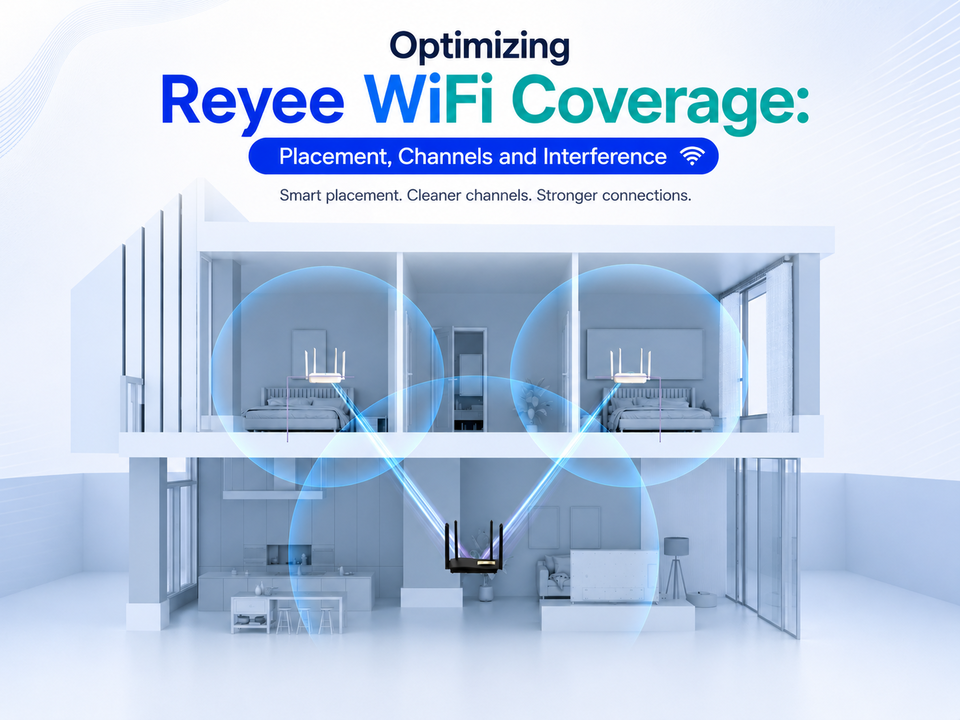
A smart tip: router placement matters more than people think. Put your router in a central location, higher up, and not hidden inside a cabinet. If you do that, you might be surprised how far the signal reaches.
What Mesh Reyee WiFi Does Best?
Mesh Reyee WiFi uses multiple nodes (units) to spread WiFi coverage across your home. Instead of one router trying to “blast” a signal through walls, mesh systems place WiFi points closer to where you actually use the internet. Your devices then roam automatically between nodes.
Mesh Reyee WiFi is usually the better choice if:
- You live in a double-storey home or a long layout (like a link house)
- You have thick concrete walls or lots of rooms between you and the router
- You want stable WiFi in “difficult” areas like upstairs bedrooms, the kitchen, or the far end of the house
- You have many devices online at once (phones, TVs, tablets, laptops, smart home devices)
- You hate reconnecting to different networks when you move around
If your current WiFi drops when you go upstairs or gets weak behind two or three walls, that’s a strong sign you need mesh units, not just a stronger single router.
Performance: Speed vs Coverage
Here’s the simple truth: near the central unit, both a Reyee router and mesh Reyee WiFi can be fast. The difference is what happens far away.
- WiFi speed can be extremely fast near the router, but performance often drops sharply in distant rooms
- Mesh is designed to keep WiFi speeds more consistent across the whole home
If your priority is “best speed in one room,” a router is often enough. If your priority is “good speed everywhere,” mesh usually wins.
Cost And Setup: What To Expect
A Reyee router is typically cheaper and simpler: one device, one setup, done. Mesh Reyee WiFi costs more because you’re buying multiple units, but it saves you from the usual headache of dead zones and unreliable coverage.
A good middle ground for some homes is to start with a solid router, then expand later with additional access points or mesh units if you discover weak spots.
A Quick Home Checklist To Decide
Choose a Reyee router if:
- Your home is compact or mostly open
- Your WiFi problems are minor and fixed mainly by better placement
- You want the simplest, most affordable upgrade
Choose mesh Reyee WiFi if:
- You have two floors, long corridors, or many separate rooms
- You need stable WiFi for work calls, online classes, and streaming in multiple areas
- You want smooth roaming without manually switching networks
Why Consider Uwave For Your Reyee Networking At Home?
If you want to choose the correct setup without guessing, consider Uwave. As a commercial WiFi router importer and distributor in Malaysia, we carry Reyee alongside other major networking brands. That matters because it’s easier to get the right-fit Reyee router or mesh Reyee WiFi solution. After all, we understand coverage needs for homes, cafés, offices, and even larger buildings.
We also run hands-on workshops and training sessions that aim to help customers use these products appropriately, not just sell boxes. If you’re ready to upgrade your home WiFi, Uwave is a practical place to start for reliable Reyee options, product support, and guidance that helps you get strong, stable coverage.