
Product Category
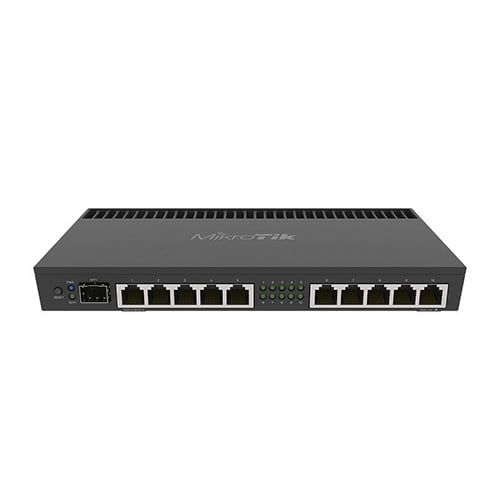
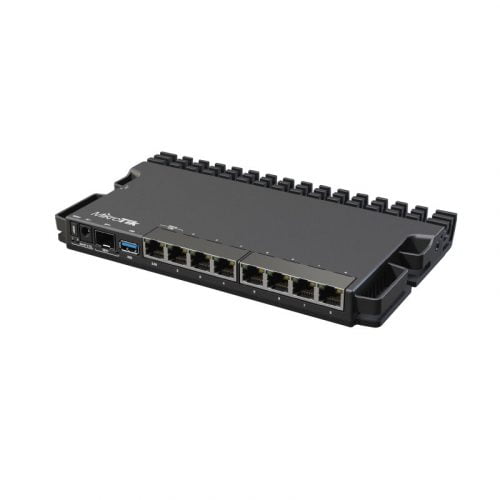
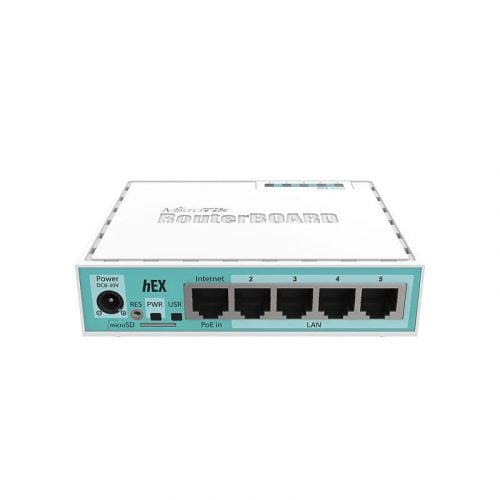
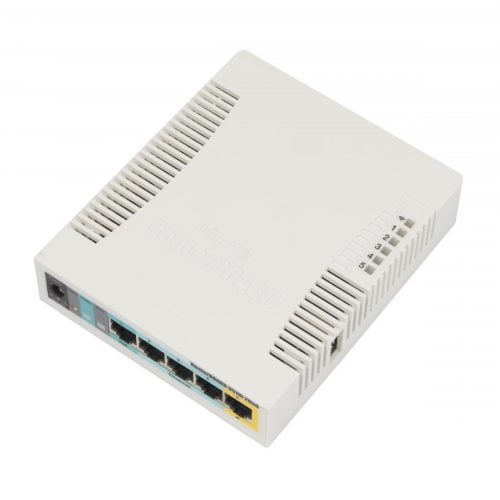
Duplicate the existing > Rename the section on the right sidebar > Set display conditions from Advance tab
Frequently Asked Questions
1) Which MikroTik router is “best” for home vs. SMB?
For Wi-Fi 6 homes/offices, hAP ax³; for wired performance labs/SMB, RB5009UG+S+IN; for budget/no-Wi-Fi setups, hEX S. Choose by WAN type, Wi-Fi need, and ports.
2) Will MikroTik work with Malaysian fibre ISPs (TM/Maxis/TIME) and IPTV?
Yes—RouterOS supports PPPoE and VLAN tagging for ISP logins, plus IGMP Proxy/IGMP Snooping for multicast IPTV (configure per ISP values).
3) Do I need to buy licenses or subscriptions to use a MikroTik router?
Hardware RouterBOARDs include a RouterOS license (no ongoing fee). Only CHR (virtual routers) use paid tiers (P1/P10/P-Unlimited). CAPsMAN AP management needs at least Level 4 on APs.
4) Can MikroTik do seamless roaming or mesh for multiple APs?
Yes—RouterOS WiFi stack supports 802.11r/k/v fast roaming on compatible devices, and CAPsMAN centrally manages multiple APs for one SSID.
5) Can a MikroTik router/switch power APs or an ONT via PoE?
Many models offer PoE-out (passive or 802.3af/at/bt depending on device). Check your model’s PoE standard and power budget before powering APs/cameras.
6) Is the setup beginner-friendly, or do I need CLI?
You can configure internet, LAN, DHCP, and Wi-Fi in a few clicks with Quick Set, and manage everything via the browser-based WebFig (WinBox alternative).
7) What’s the warranty/RMA in Malaysia, and how do I avoid grey imports?
Warranty/RMA is handled through the seller/distributor—buy from authorised channels and follow MikroTik’s RMA process for repairs/replacements.